7 Essential Cybersecurity Tips to Protect Your Online Accounts in 2026
Your online accounts contain far more valuable information than most people realize. Email inboxes, social media profiles, shopping accounts, cloud storage, and banking services can all contain personal or financial information that criminals may try to steal.
As online threats continue to evolve, relying on a single password or basic security settings may no longer be enough. The good news is that improving your digital security does not always require advanced technical knowledge. Following these cybersecurity tips can help everyday users reduce common online risks and protect their most important accounts.
A few practical changes can make your accounts considerably harder to compromise. These cybersecurity tips can help everyday internet users reduce common security risks and build safer online habits. These cybersecurity tips can help you protect important accounts without requiring advanced technical knowledge.
Why Online Account Security Matters
Cyberattacks are not limited to large companies. Individual users are frequently targeted because personal accounts can provide access to valuable information.
A compromised email account, for example, may become a gateway to other services. An attacker could potentially use password-reset links to gain access to shopping, social media, or other connected accounts. Modern AI and machine learning systems are also increasingly used to detect unusual activity and identify potential security threats.
This is why account protection should be treated as an ongoing habit rather than something you only think about after an incident.
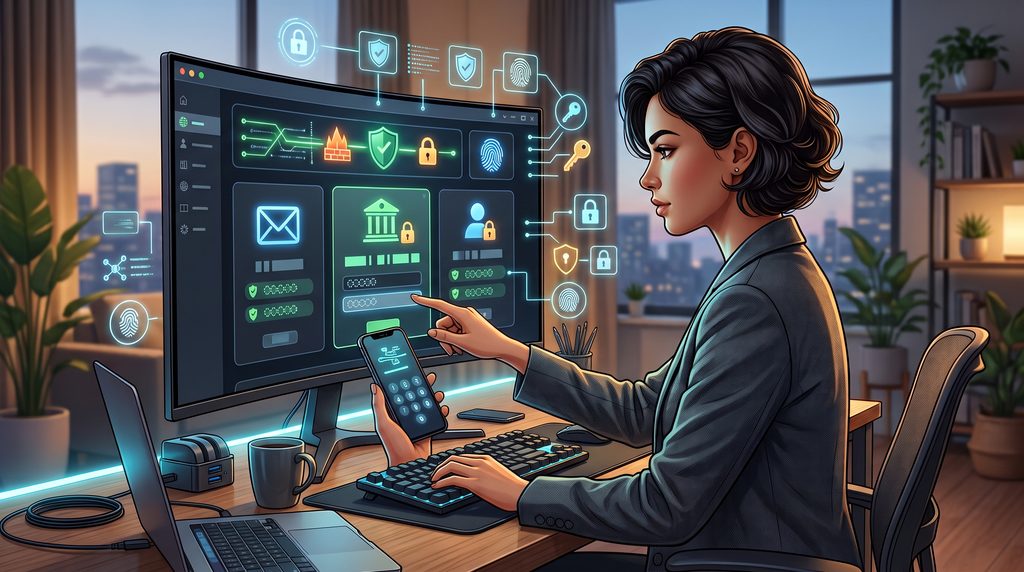
1. Create Strong and Unique Passwords
One of the simplest ways to improve account security is to stop using the same password everywhere. Cybersecurity Tips for Protecting Your Most Important Accounts
If one website suffers a data breach and your password is exposed, attackers may try the same credentials on other services. Reusing passwords can therefore turn one compromised account into several.
Instead, use a different password for every important account. Ideally, passwords should be long, unpredictable, and difficult to guess.
A password manager can also help generate and store unique credentials without requiring you to memorize dozens of passwords. Cybersecurity Tips for Protecting Your Most Important Accounts
For your most important accounts, particularly email and financial services, unique passwords should be considered essential rather than optional.
2. Enable Multi-Factor Authentication
A strong password provides an important layer of protection, but it can still be stolen through phishing, malware, or a compromised service.
Multi-factor authentication (MFA) adds another verification step. Depending on the service, this could involve an authenticator app, security key, biometric verification, or another approved method.
Even if someone obtains your password, the additional authentication requirement can make unauthorized access considerably more difficult.
Start with your email account, financial services, cloud storage, and social media profiles. These accounts can be especially important because they may contain sensitive information or provide access to other services.
3. Keep Your Devices and Apps Updated
Software updates are not only about adding new features. Developers regularly release security patches to address vulnerabilities discovered in operating systems, browsers, applications, and other software.
Ignoring updates for long periods can leave known weaknesses unpatched.
Enable automatic updates whenever the option is available. Pay attention to updates for:
- Operating systems
- Web browsers
- Mobile applications
- Security software
- Router firmware
- Frequently used desktop applications
If an update specifically mentions security improvements, installing it promptly is particularly important.
4. Learn to Recognize Phishing Attempts
Phishing remains one of the most effective ways criminals trick people into revealing passwords or personal information.
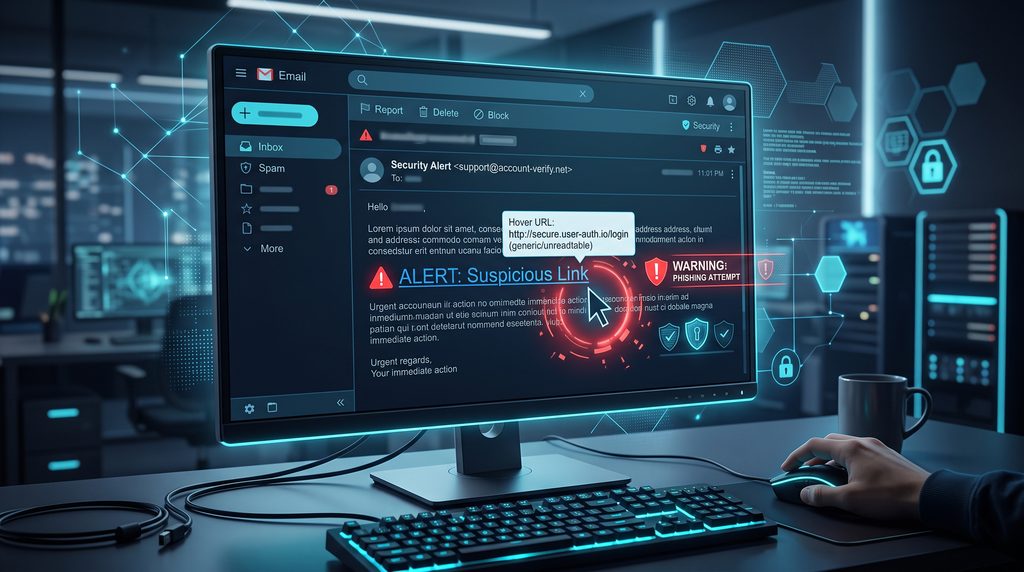
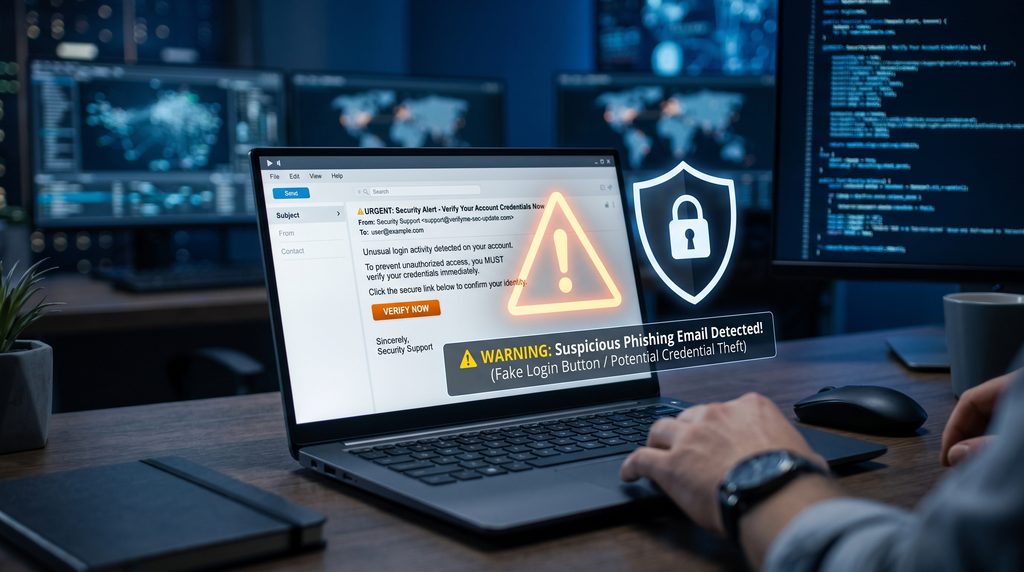
A phishing message may appear to come from a bank, social platform, delivery company, workplace, or another familiar service. It may create urgency by claiming that your account will be suspended or that immediate action is required.
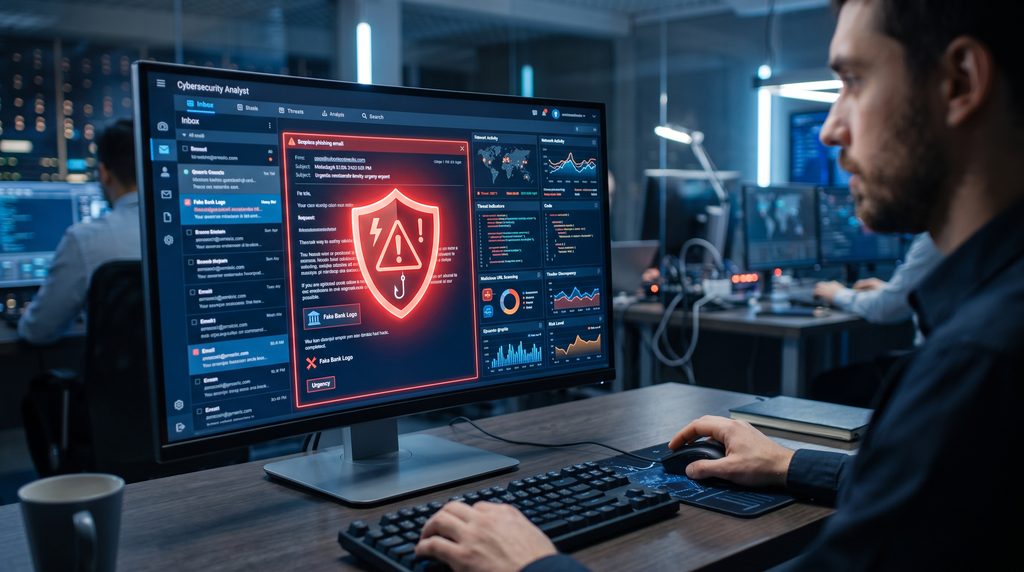
Before clicking a link, stop and examine the message carefully.
Look for unusual sender addresses, unexpected attachments, suspicious links, spelling inconsistencies, and requests for sensitive information.
When in doubt, open the company’s official website or app directly instead of using the link provided in the message.
This small habit can prevent many avoidable security incidents.
5. Secure Your Wi-Fi Network
Your home network connects multiple devices to the internet, making router security an important part of protecting your digital environment.
Start by changing the router’s default administrator credentials. Use a strong Wi-Fi password and select a modern security protocol supported by your router.
It is also worth checking whether your router manufacturer provides firmware updates.
For visitors or less-trusted devices, a guest network can provide an additional layer of separation from your primary devices.
Public Wi-Fi requires extra caution. Avoid performing highly sensitive activities on unfamiliar networks unless you have appropriate security protections in place.
6. Be Careful With Personal Information
Cybersecurity is not only about passwords and software. The information you publicly share can also be useful to attackers.
Details such as your birthday, phone number, workplace, location, or answers to common security questions may help criminals build a profile about you.
Review the privacy settings of your social media accounts and think carefully before publishing information that could be used to identify or impersonate you.
You should also be cautious when websites request personal information. Ask yourself whether the information is genuinely necessary before providing it.
Reducing unnecessary exposure can make social engineering attempts more difficult.
7. Back Up Important Data
Account security and data protection go hand in hand.
Even if your accounts are well protected, devices can still be affected by hardware failures, accidental deletion, malware, or other problems.
Keep backups of important documents, photographs, work files, and other irreplaceable information.
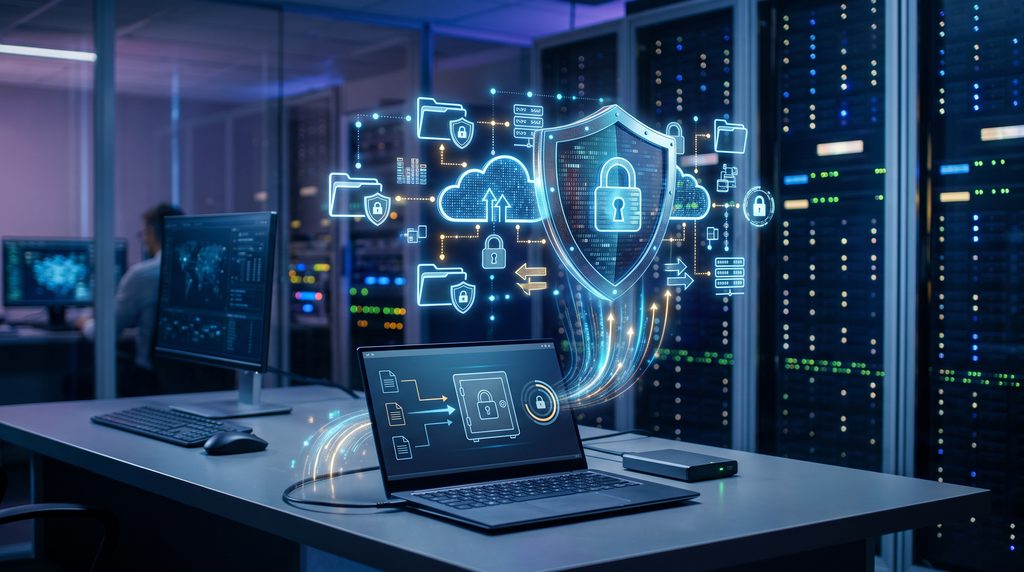
For particularly important data, maintaining more than one backup can provide additional protection. One backup can be stored separately from your main device so that a problem affecting the computer does not automatically destroy the backup as well.
Regular backups will not necessarily prevent an attack, but they can significantly reduce the consequences of data loss.
Common Security Mistakes to Avoid
Knowing what not to do is just as important as following good security practices.
Some common mistakes include:
- Reusing the same password across multiple websites
- Clicking links without checking where they lead
- Ignoring security updates
- Sharing verification codes with other people
- Leaving old accounts active
- Downloading software from untrusted websites
- Using predictable answers to security questions
- Connecting unknown USB devices to your computer
None of these habits may seem dangerous individually, but together they can increase your exposure to online threats. Combining these habits with practical cybersecurity tips can make your overall online security much stronger.
Cybersecurity Tips for Everyday Internet Users
You do not need to become a security expert to improve your digital safety.
Start with the accounts that matter most. Secure your primary email account, use unique passwords, enable MFA, and make sure your devices receive security updates.
Next, review your older accounts. Close services you no longer use and change passwords on accounts that have not been updated for a long time.
Finally, develop a habit of questioning unexpected messages. A few seconds of caution can sometimes prevent a much bigger problem.
The goal is not to eliminate every possible risk. Instead, the aim is to make your accounts more difficult to compromise and limit the damage if something does go wrong.
The Future of Personal Cybersecurity
Online security is likely to become increasingly important as more services move into digital environments.
Passwordless authentication, passkeys, stronger identity verification, and automated threat detection are already changing how people protect their accounts.
At the same time, attackers are also adopting more sophisticated techniques, including AI-assisted scams and highly convincing social engineering.
That means security habits will continue to evolve. Users who regularly update their devices, review account settings, and stay aware of new threats will generally be better prepared.
Final Thoughts
Protecting your online accounts does not require complicated technology. Strong unique passwords, multi-factor authentication, regular software updates, phishing awareness, secure networks, careful sharing, and reliable backups can provide a strong foundation.
The most effective approach is consistency. Instead of waiting until an account is compromised, make security part of your normal digital routine.
These cybersecurity tips are simple enough for everyday users but can significantly reduce many common online risks. Following these cybersecurity tips regularly can help you build safer online habits and reduce common security risks. By following these cybersecurity tips consistently, users can build stronger digital security habits.
Frequently Asked Questions
What is the most important cybersecurity habit?
Using unique passwords combined with multi-factor authentication is one of the most useful steps for protecting important accounts.
Should I use a password manager?
A reputable password manager can make it easier to create and maintain unique passwords for different services.
Is public Wi-Fi safe?
Public Wi-Fi can introduce additional risks, particularly on unknown or unsecured networks. Avoid sensitive activities when you cannot trust the network.
How often should I update my passwords?
There is no universal requirement to change every password on a fixed schedule. Instead, change passwords immediately when you suspect compromise and avoid reusing credentials across services.
Can cybersecurity completely prevent hacking?
No security measure can guarantee complete protection. Good security practices are designed to reduce the likelihood of successful attacks and limit potential damage.