Phishing Attacks: 7 Warning Signs and How to Protect Yourself in 2026
The internet has made communication, shopping, banking, and work more convenient than ever. However, the same convenience has also created new opportunities for cybercriminals. One of the most common methods they use is phishing attacks, which are designed to trick people into revealing sensitive information or performing an action that benefits the attacker.
A phishing message can look surprisingly convincing. It may appear to come from a bank, social media platform, delivery company, employer, or even someone you know. Instead of relying on sophisticated hacking techniques, many scams simply depend on human trust and urgency.
Understanding how these attacks work can make it easier to recognize suspicious messages before they cause damage.
What Are Phishing Attacks?
Phishing is a type of social engineering in which an attacker pretends to be a legitimate person or organization to manipulate a target.
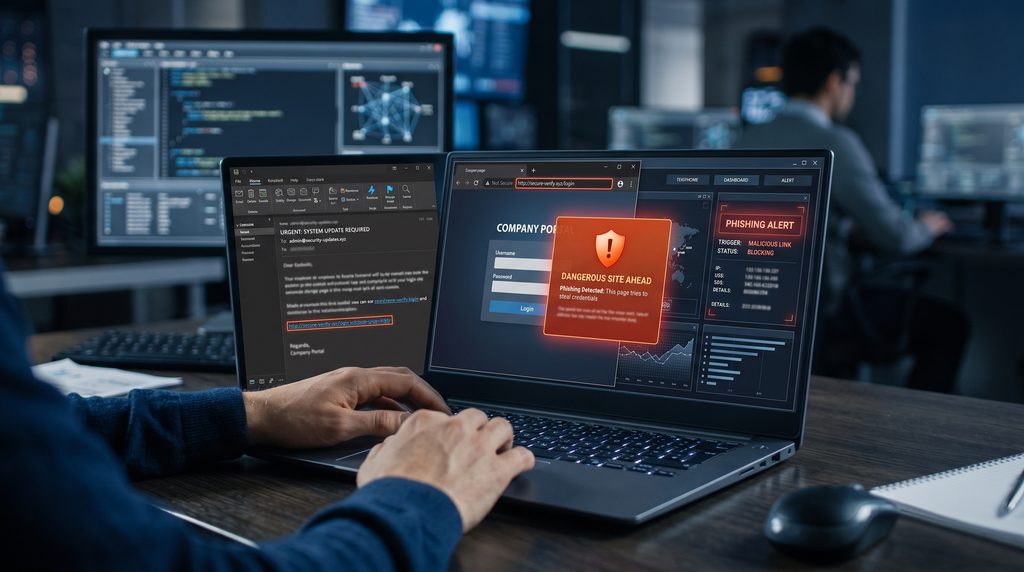
The attacker may send an email, text message, social media message, or other communication containing a malicious link, attachment, or request. The goal can vary from stealing login credentials to collecting payment information or delivering malicious software.
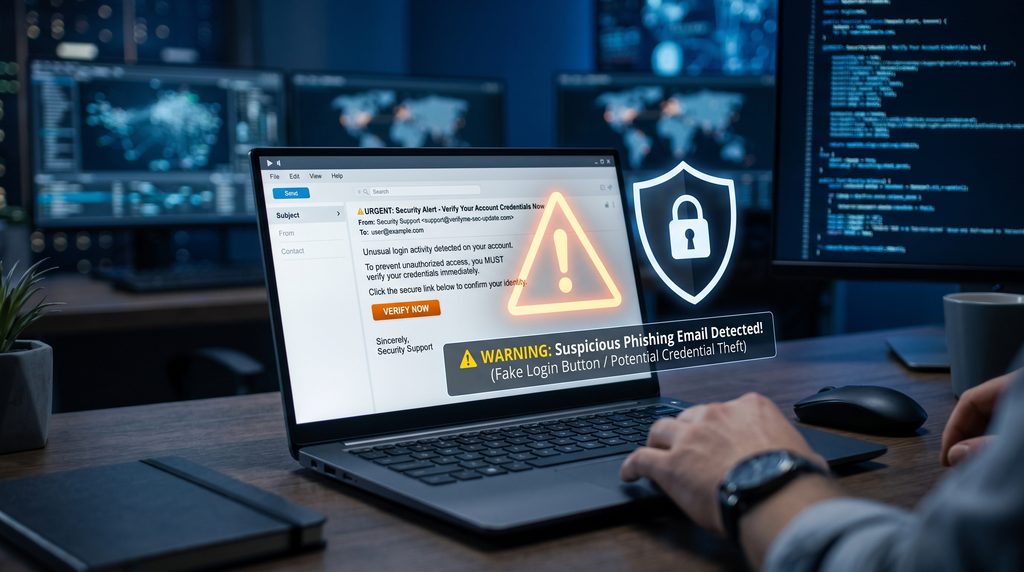
For example, a fake email might claim that your account has been locked and ask you to click a link to verify your identity. The link could lead to a fraudulent website designed to look like the real service.
Once a victim enters their username and password, the information may be captured by the attacker.
Why Phishing Remains So Effective
Technology alone cannot solve every security problem because attackers often target human behavior.
A message that creates fear, curiosity, or urgency can encourage someone to act before carefully checking its authenticity.
Common psychological tactics include:
- Creating a sense of urgency
- Pretending to be a trusted organization
- Offering an unexpected reward
- Warning about account suspension
- Asking for confidential information
- Using familiar logos and branding
- Encouraging the recipient to act immediately
Because these techniques target decision-making rather than a specific operating system or device, phishing can affect almost anyone.
7 Warning Signs of a Phishing Message
1. The Message Creates Unusual Urgency
Be cautious when a message tells you that you must act immediately.
For example, a supposed service provider might claim that your account will be permanently deleted unless you verify your information within a few minutes.
Legitimate organizations may send important notifications, but extreme pressure is a common feature of fraudulent messages.
Take a moment to verify the request independently before taking action.
2. The Sender Address Looks Suspicious
An email can display a familiar company name while coming from an unrelated address.
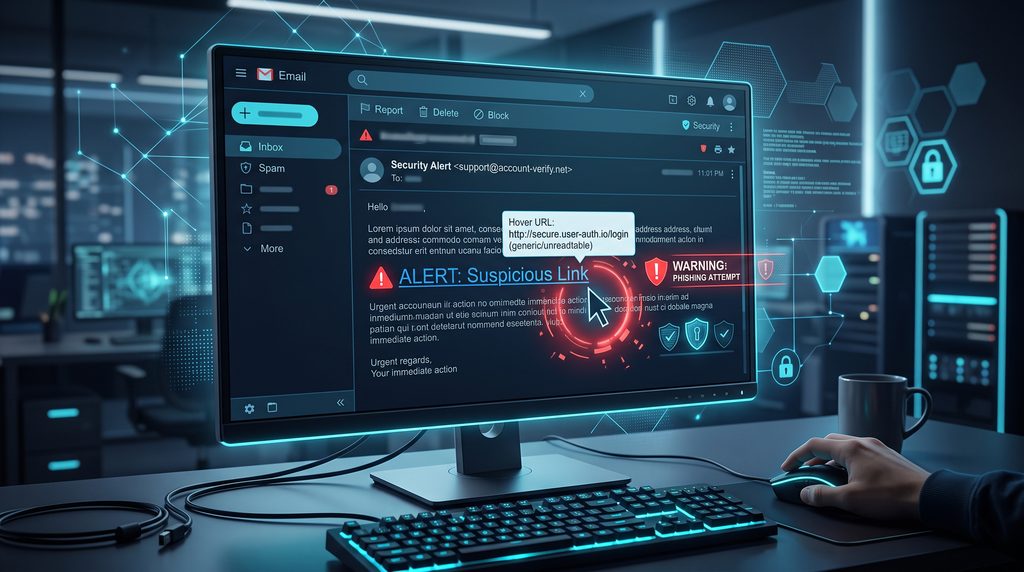
Look beyond the sender’s display name and examine the actual email address.
Attackers may use addresses containing unusual domains, extra characters, misspellings, or misleading combinations designed to resemble legitimate organizations.
A suspicious sender address does not automatically prove that a message is fraudulent, but it is an important warning sign.
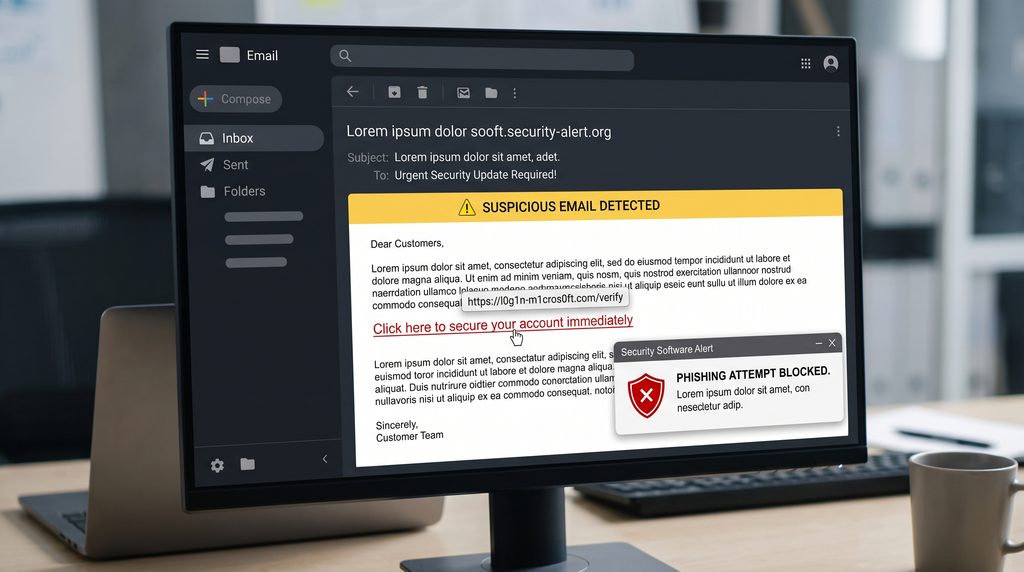
3. Links Do Not Match the Claimed Website
Before clicking a link, check where it actually leads.
On a desktop computer, you can often hover over the link to preview its destination. On mobile devices, extra caution is useful because suspicious URLs may be harder to inspect.
Be particularly careful with links that use unfamiliar domains or contain strange combinations of letters and numbers.
When a message claims to come from a service you use, consider opening the official website directly instead of following the message’s link.
4. The Message Requests Sensitive Information
Be skeptical when an unexpected message asks for passwords, verification codes, payment details, or other sensitive information.
Reputable services generally provide secure account interfaces rather than asking customers to send confidential credentials through ordinary email or messaging.
Never share authentication codes simply because someone claims to be from customer support.
If you receive an unexpected request, contact the organization through an independently verified channel.
5. Spelling, Formatting, or Language Seems Unusual
Some phishing messages contain obvious spelling or grammatical mistakes. Others are professionally written and may be much harder to identify.
Therefore, poor grammar should be treated as a warning sign rather than definitive proof.
Pay attention to unusual formatting, strange sentence structures, inconsistent branding, unexpected fonts, and messages that do not sound like the organization supposedly sending them.
A combination of several unusual details should increase your suspicion.
6. Unexpected Attachments Are Included
Unexpected attachments deserve extra caution, especially when they come from unfamiliar senders.
A malicious attachment may attempt to install harmful software or persuade you to enable dangerous functionality.
Do not open an attachment simply because the message claims it contains an invoice, delivery document, resume, or account statement.
If the attachment is supposedly from someone you know, verify with that person through another communication method before opening it.
7. The Offer Seems Too Good to Be True
Free prizes, surprise refunds, exclusive rewards, investment opportunities, and unusually large discounts can all be used as bait.
The purpose is to make the recipient curious enough to click a link or provide information.
Before responding to an unexpected offer, independently verify whether it exists on the organization’s official website or verified account.
If a promotion requires sensitive information before you can supposedly receive a reward, treat it with particular caution.
Common Types of Phishing
Phishing does not always arrive through traditional email. Different types of phishing attacks can target individuals through email, text messages, social media, or fake websites.
Email Phishing
This is the classic form, where attackers send fraudulent emails to large numbers of people.
Smishing
Smishing uses text messages or SMS to deliver deceptive links and requests.
Vishing
Vishing uses phone calls or voice communication to persuade victims to reveal information or perform actions.
Spear Phishing
Spear phishing targets a specific person or organization. The message may contain personal or workplace details to appear more convincing.
Social Media Phishing
Attackers can also use social media messages, fake profiles, and fraudulent support accounts to target users.
Understanding these variations is useful because a suspicious request can arrive through almost any communication platform.
How to Protect Yourself From Phishing
The best defense is a combination of awareness and basic security practices.
First, avoid clicking unexpected links. If a message claims that you need to update an account, visit the service’s official website directly. For additional information, you can review the official phishing guidance from CISA.
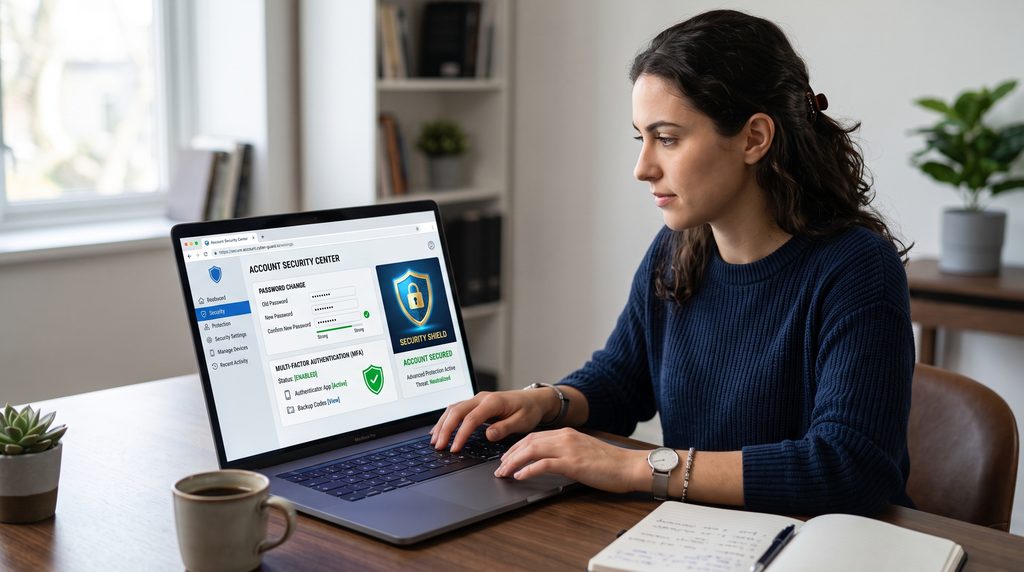
Second, enable multi-factor authentication on important accounts. For more practical ways to protect your online accounts, read our guide to Cybersecurity Tips for Protecting Your Online Accounts. This can provide an additional layer of protection if your password is exposed.
Third, keep your operating system, browser, and security software updated. Security updates can address vulnerabilities that attackers may otherwise exploit.
Fourth, use unique passwords for important accounts. A password manager can make this easier to manage. Learning how phishing attacks work can make suspicious messages easier to recognize.
Finally, slow down when a message creates strong emotions or unusual urgency. Taking a few extra seconds to verify a request can prevent a costly mistake.
For additional guidance on recognizing and reporting phishing, users can consult the official resources provided by the U.S. government.
What to Do If You Clicked a Phishing Link
Making a mistake does not necessarily mean your account has already been compromised.
If you clicked a suspicious link but did not enter any information or download anything, close the page and avoid interacting with it further.
If you entered a password, change it immediately from the legitimate website. If the same password was used elsewhere, change those accounts as well.
If you provided financial information, contact the relevant financial institution using its official contact method.
You should also review recent account activity for unfamiliar logins or transactions and enable multi-factor authentication if it was not already active.
Acting quickly can reduce the potential impact.
Phishing Attacks and Artificial Intelligence
Artificial intelligence is changing the way online scams are created.
Attackers can potentially use AI-based tools to produce more convincing messages, imitate communication styles, and create content with fewer obvious spelling or grammar mistakes.
This means users may no longer be able to rely on poor writing as their primary way of identifying a scam.
Instead, checking the sender, verifying URLs, avoiding unexpected requests, and independently confirming important communications are becoming increasingly valuable habits.
The technology may change, but the basic principle remains the same: do not trust an unexpected request simply because it looks professional.

How Businesses Can Reduce Phishing Risks
Organizations can reduce exposure by combining technology with employee education.
Security awareness training can teach employees how to recognize suspicious messages and report them.
Businesses can also use email filtering, authentication systems, endpoint security, access controls, and monitoring tools to reduce the likelihood of successful attacks.
Regular testing and education can be especially useful because phishing techniques continue to change. Regular employee training can help businesses detect and prevent phishing attacks.
Final Thoughts
Phishing attacks continue to be a serious online security challenge because they exploit trust and human behavior rather than relying only on technical vulnerabilities.
The most useful defense is awareness. Check unexpected messages carefully, inspect links before opening them, avoid sharing sensitive information, and verify unusual requests through trusted channels.
If you combine these habits with strong passwords, multi-factor authentication, updated software, and good account security practices, you can significantly reduce your exposure to common phishing threats.
Online safety does not require perfect technical knowledge. It starts with slowing down, questioning unexpected requests, and making careful decisions before clicking.
Frequently Asked Questions
What is a phishing attack?
A phishing attack is a deceptive communication designed to trick someone into revealing information, clicking a malicious link, downloading harmful content, or performing another action that benefits an attacker.
Can phishing happen through text messages?
Yes. Text-message scams are commonly known as smishing and can contain fraudulent links or requests for personal information.Phishing attacks often succeed because they create urgency and make people act before checking the message carefully.
How can I check whether an email is legitimate?
Check the actual sender address, inspect links carefully, look for unusual requests, and verify important communications through the organization’s official website or contact channels.
What should I do if I gave my password to a phishing website?
Change the password immediately through the legitimate service. If you reused that password elsewhere, change it on those accounts too. Enable multi-factor authentication where available.
Are phishing attacks becoming harder to recognize?
They can be. Attackers increasingly use convincing language, realistic branding, and personalized information. This makes independent verification and cautious behavior increasingly important.