Cloud Storage vs. External SSD: Which Is Better for Your Files in 2026?
Choosing where to keep your files has become more complicated than simply buying a bigger hard drive. Photos, videos, documents, backups, and project files can quickly consume the storage available on a laptop or smartphone. That leaves many people comparing cloud storage vs. external SSD when they need more space.
Cloud storage lets you access files through the internet, while an external SSD keeps your data on a physical device that you control. Both options can be useful, but they solve different problems.
For some people, cloud storage is more convenient. For others, an external SSD offers better speed, capacity, and long-term value. The right choice depends on how you use your files, how often you need them, and whether you need access when an internet connection is unavailable. If you are comparing cloud storage vs. external SSD, understanding how you use your files is the first step toward making the right choice.
Cloud Storage vs. External SSD: What Is the Difference?
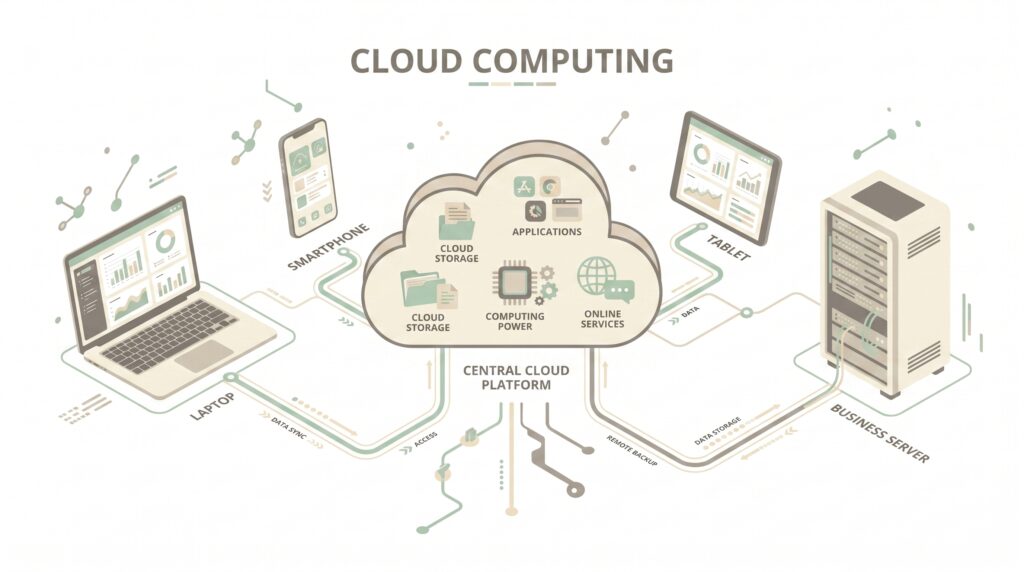
Cloud storage saves your files on remote servers operated by a storage provider. You normally access those files through an app or web browser.
Google, for example, provides storage across services such as Google Drive, Gmail, and Google Photos. A personal Google Account includes up to 15 GB of shared storage, while paid plans provide additional capacity.
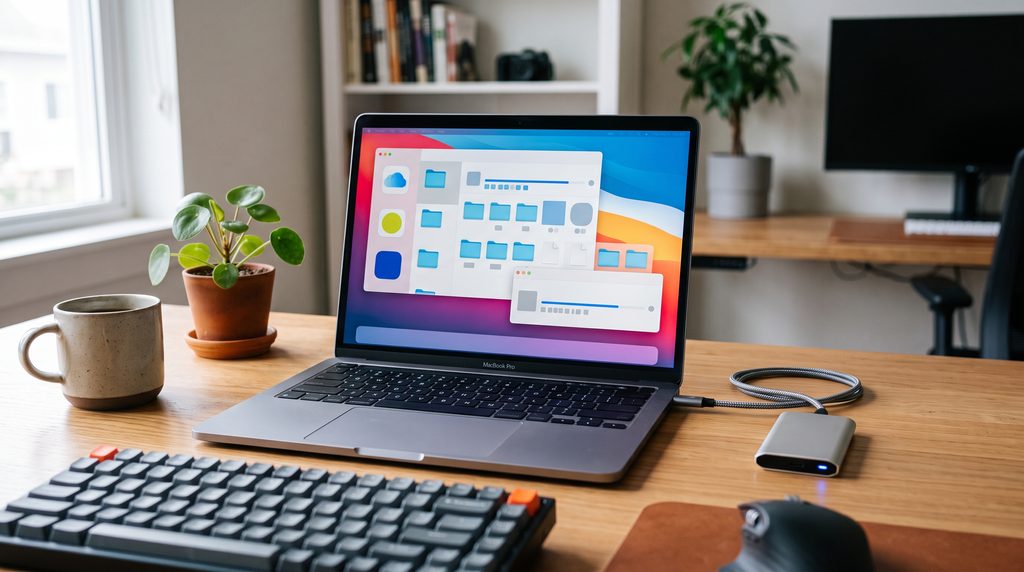
An external SSD is a physical solid-state drive that connects to your computer or another compatible device through USB, USB-C, or another supported connection.
The simplest way to think about the difference is this:
- Cloud storage: your files are stored remotely and accessed through the internet.
- External SSD: your files are stored locally on a portable physical drive.
- Cloud storage: easier for syncing and accessing files across devices.
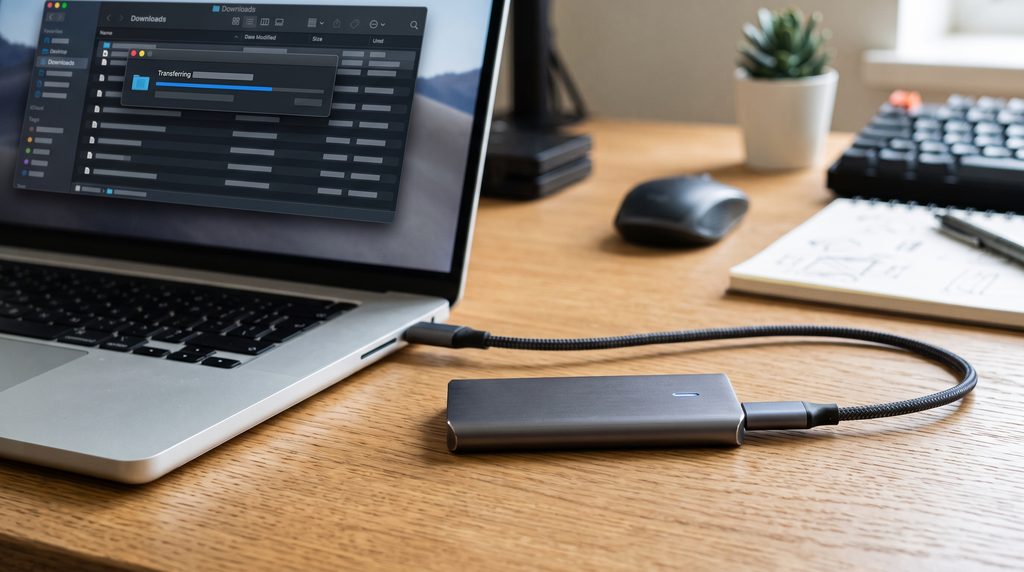
- External SSD: usually better for moving large files quickly without depending on internet speed.
Neither option is automatically better. Your priorities determine which one makes more sense. Understanding cloud storage vs. external SSD can help you choose a storage method that matches your everyday needs.
When Cloud Storage Makes More Sense
Cloud storage is particularly useful when you regularly switch between devices. If you want to understand how cloud-based storage works as part of a larger cloud infrastructure, read our guide to cloud computing.
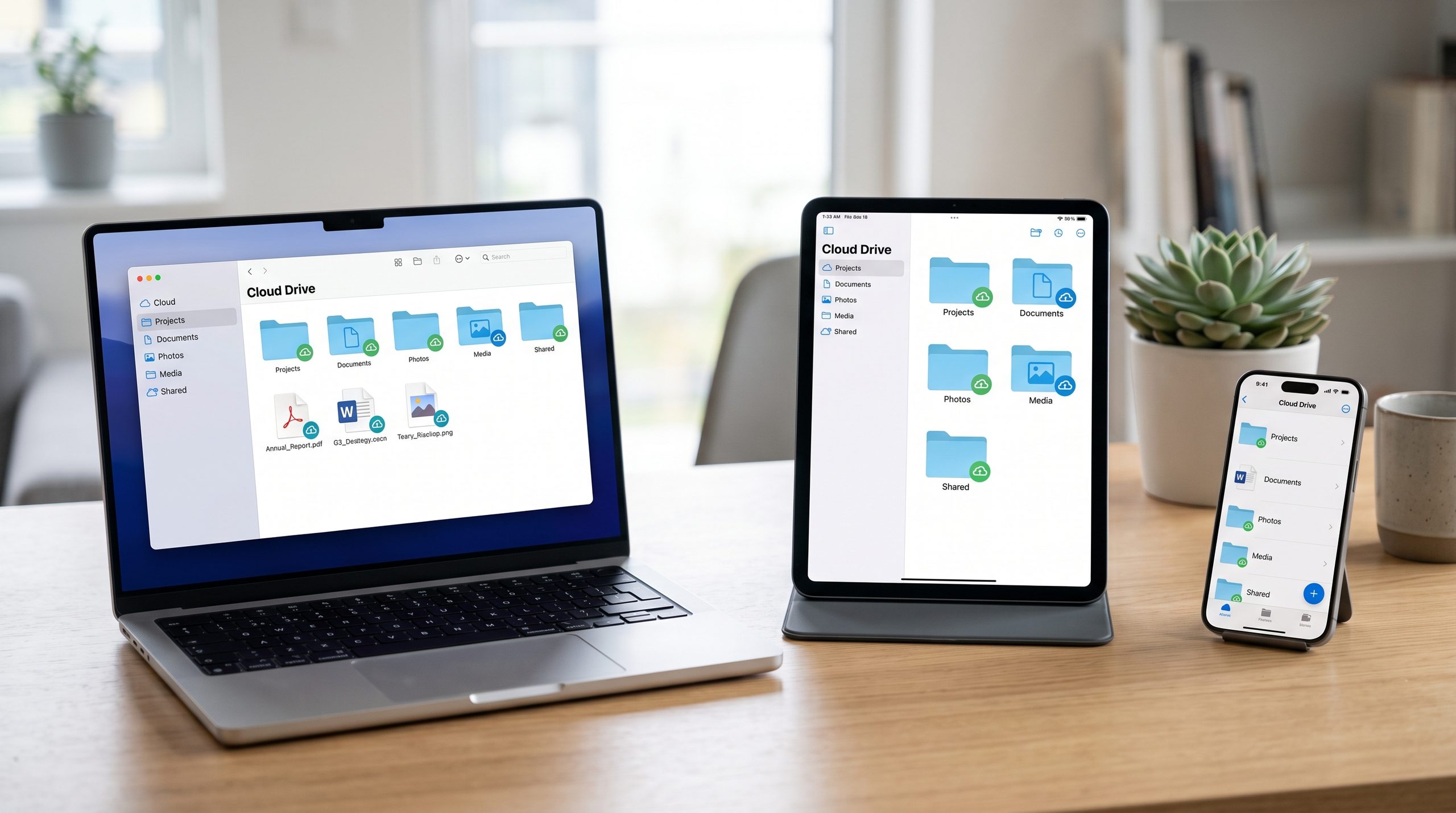
For example, you might take photos on your phone, edit them on a laptop, and later need to access the same files from another computer. Keeping everything synchronized in the cloud can make that workflow much easier. For users who regularly work across multiple devices, cloud storage can make files easier to access, synchronize, and share.
Cloud storage can also be useful for sharing. Instead of physically handing someone a drive, you can send access to a file or folder.
Another advantage is that your files are not tied to one physical device. If your laptop stops working, you can still access cloud-stored files from another supported device after signing into your account.
However, cloud storage is not completely independent of connectivity. Uploading large files can take considerable time if your internet connection is slow.
When an External SSD Is the Better Choice
An external SSD becomes more attractive when speed and local access matter.
If you regularly work with large video files, RAW photos, software projects, game files, or large archives, moving those files between a computer and a fast SSD can be much more practical than repeatedly uploading and downloading them.
An SSD also works without an internet connection. Once your files are stored on the drive, you can access them wherever you have a compatible device.
Modern devices can also work directly with external storage. Apple, for example, supports connecting external storage devices such as USB drives and SD cards to compatible iPhones through the Files app.
For people who frequently travel or work in locations with unreliable internet, that offline access can be a major advantage.
Speed: External SSD Usually Has the Edge
When comparing cloud storage vs. external SSD, speed is one of the biggest differences.
An external SSD transfers data through a physical connection. With a compatible computer, drive, and cable, large files can move quickly without passing through the internet.
Cloud storage depends on your connection. A fast fiber connection can make cloud transfers feel relatively smooth, but uploading hundreds of gigabytes can still take time.
Download speed matters too. If you need a large video file immediately, retrieving it from an SSD may be much faster than downloading it from a cloud account. The choice between cloud storage vs. external SSD becomes especially important when you regularly transfer large files.
That does not make cloud storage slow in every situation. Small documents, photos, and everyday files can be perfectly convenient in the cloud. The difference becomes much more noticeable with large datasets and media libraries.
Storage Capacity and Cost
Cost is another area where the two choices differ.
With an external SSD, you generally pay for the physical drive once. After purchasing it, there is no monthly storage subscription for the drive itself.
Cloud storage commonly follows a subscription model. You may start with a limited free allowance and then pay for additional capacity as your storage requirements increase.
Google’s current storage information, for example, shows that accounts can use paid Google One plans for additional space beyond the included storage.
The important question is not simply which option costs less today. Think about how much storage you will need over several years.
Someone who needs only a few hundred gigabytes might find a single SSD practical. Someone who wants automatic syncing across several devices may consider a recurring cloud subscription worthwhile.
Convenience and Accessibility
Cloud storage wins when convenience is the main priority.
You do not have to remember where you physically left the drive. If your files are synchronized properly, you can access them from supported devices after signing in.
This is especially useful for students, remote workers, photographers, and people who regularly move between a phone, tablet, and computer.
An external SSD requires a little more planning. You have to carry it, protect it from damage, remember the correct cable, and make sure the drive is available when you need a particular file.
On the other hand, that physical control can also be an advantage.
You know exactly where the data is stored, and you can keep the drive disconnected when you are not using it. The right choice in cloud storage and external SSD often depends on how frequently you move between devices.
Privacy and Security Considerations
Neither option is automatically secure simply because it is cloud-based or physical.
Cloud accounts require strong passwords and preferably multi-factor authentication. If an account is compromised, attackers could potentially gain access to files stored there.
Physical drives have different risks. If someone steals an unsecured SSD, the data could potentially be accessed depending on how the drive and files are protected.
Encryption can therefore be important for sensitive information.
You should also think about accidental deletion. Cloud synchronization can sometimes mean that deleting a file on one device affects its synchronized copies. A separate backup strategy can reduce that risk.
For important personal or work files, relying on a single storage location is generally a weak strategy.
What About Backup?
This is where the comparison becomes more interesting.
An external SSD can serve as a backup destination, but the drive itself should not be considered an indestructible backup.
If your only copy of important photos exists on one SSD and that SSD fails, is lost, or is damaged, the data may be gone.
Cloud storage can provide another copy, but synchronization and backup are not always the same thing. A synchronized folder is designed to keep files consistent across locations, while a dedicated backup system may preserve older versions or separate copies.
For valuable data, using more than one storage location is a safer approach.
For example:
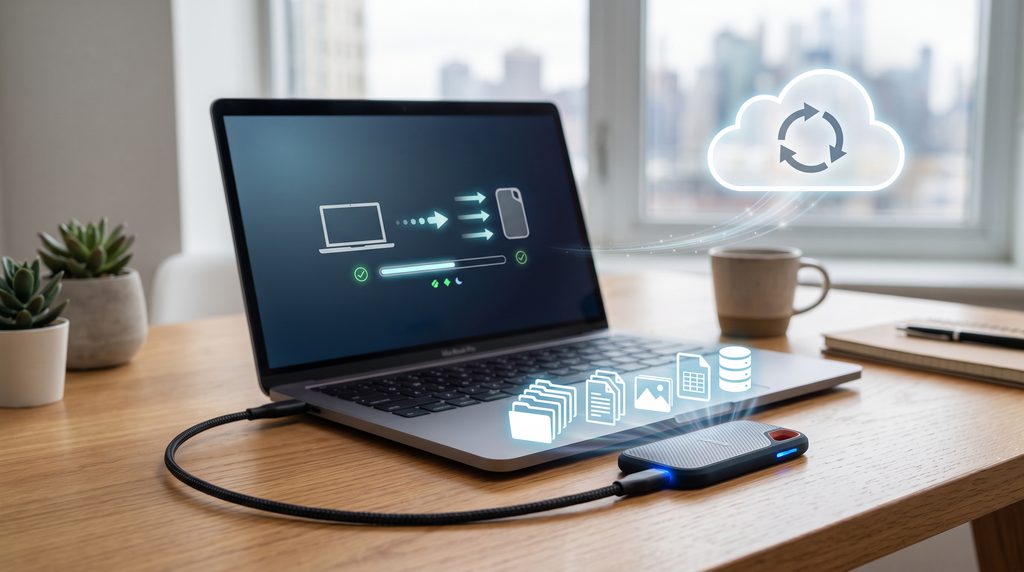
Laptop → External SSD backup → Cloud copy
This gives you multiple ways to recover important files if one location becomes unavailable.
Which Is Better for Photos and Videos?
For everyday phone photos, cloud storage can be extremely convenient because it can automatically synchronize or back up media.
This is useful if you want your photos available on multiple devices without manually connecting a drive.
For large video libraries, however, an external SSD can become more attractive. Video files can consume hundreds of gigabytes surprisingly quickly, especially when recording in high resolutions.
A practical setup could therefore use cloud storage for frequently accessed photos and important documents while keeping a larger media archive on an external SSD.
Which Is Better for Gaming?
Gamers have slightly different requirements.
An external SSD can be useful for storing large game installations, particularly when internal storage is limited. However, compatibility and performance depend on the gaming platform and the particular game.
Cloud storage is generally not a replacement for local game storage. It can be useful for synchronizing saves or storing related files where supported, but downloading large game installations repeatedly can consume significant bandwidth.
For gamers with limited internal storage, an appropriately compatible external SSD may therefore be the more practical expansion option.
Which Is Better for Work and School?
For documents, presentations, spreadsheets, and PDFs, cloud storage is often the easier choice.
Files can be shared with colleagues or classmates, accessed from different devices, and synchronized without manually carrying a drive.
An external SSD becomes more useful when your work involves large files.
Video editors, designers, developers, photographers, and other users working with large datasets may benefit from fast local storage.
Apple also documents workflows for transferring files between an iPhone and external storage or cloud services, showing how both approaches can fit into modern device workflows. For many users, cloud storage vs. external SSD becomes a practical decision based on file size and accessibility.
Cloud Storage vs. External SSD: Quick Comparison
| Feature | Cloud Storage | External SSD |
|---|---|---|
| Internet required | Usually for remote access | No |
| Portability | Excellent | Excellent |
| Large file transfers | Depends on the internet | Usually very fast |
| Monthly cost | Often subscription-based | Usually one-time purchase |
| Automatic syncing | Excellent | Usually manual |
| Offline access | Limited unless files are downloaded | Excellent |
| Physical damage risk | Lower at your location. | The drive can be lost or damaged. |
| Sharing files | Very easy | Requires physical transfer or upload |
| Large media libraries | Can become expensive | Often practical |
| Device independence | Excellent | Depends on compatibility |
So, Which One Should You Choose?
The answer depends on what you actually need.
Choose cloud storage if you:
- Use several devices regularly.
- Want easy file synchronization.
- Frequently share files with other people.
- Need access from different locations.
- Prefer not to carry a physical drive.
- Mainly store documents, photos, and everyday files.
Choose an external SSD if you:
- Work with large files.
- Need fast local transfers.
- Want storage that works without internet access.
- Keep large photo or video libraries.
- Want to avoid recurring storage fees.
- Need additional local space for a computer.
And if your files are genuinely important, you do not necessarily have to choose only one.
The Best Approach May Be Using Both
For many users, the smartest answer to cloud storage vs. external SSD is not choosing one over the other.
Use cloud storage for convenience, synchronization, sharing, and important everyday files. Use an external SSD for large archives, fast transfers, offline access, and an additional backup copy.
This combination can give you the flexibility of cloud access while maintaining a physical copy of important data.
The key is to avoid treating either option as your only protection against data loss.A balanced cloud storage vs external SSD setup can provide both convenience and local control.
Final Thoughts
The cloud storage vs. external SSD debate is really about convenience versus control.
Cloud storage is excellent when you want files available across devices and locations. An external SSD is more appealing when speed, offline access, and large-capacity local storage matter. Ultimately, cloud storage vs. external SSD is not about finding one universal winner but choosing the option that fits your storage needs.
For a typical user, cloud storage can handle everyday documents, photos, and synchronization, while an external SSD can provide additional space and a separate copy of important files.
Instead of asking which technology is universally better, ask a more useful question: Where do I need my files, how large are they, and how important is it that I can access them without the internet?
Once you answer those questions, the right storage option becomes much easier to choose.