Why Your Phone Battery Drains So Fast: 9 Things You Can Check in 2026
Phone battery drains fast is one of the most common problems smartphone users face. You may start the morning with a fully charged device, only to find the battery dropping much faster than expected by afternoon.
Sometimes the reason is obvious. A bright display, hours of video streaming, gaming, or navigation can consume a lot of power. But battery drain can also happen when you are barely using the phone.
Background apps, weak cellular signals, location services, outdated software, battery aging, and certain connectivity features can all contribute to faster power consumption.
The good news is that you do not always need a new phone. In many cases, a few settings and usage changes can make a noticeable difference.If your phone battery drains fast, the cause may be easier to identify than you think.
Here are nine things worth checking if your smartphone battery is disappearing too quickly.
1. Check Which Apps Are Using the Most Battery
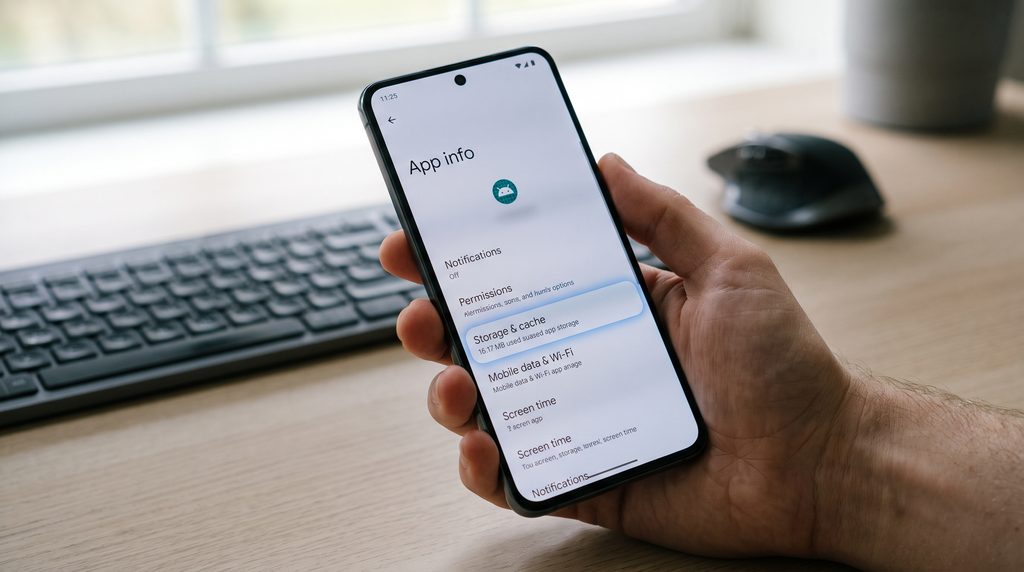
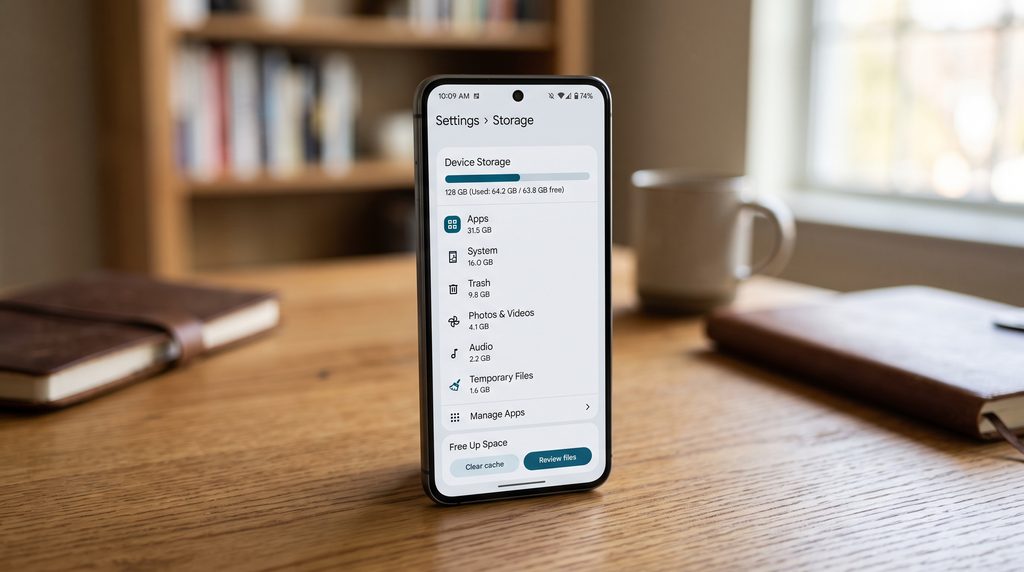
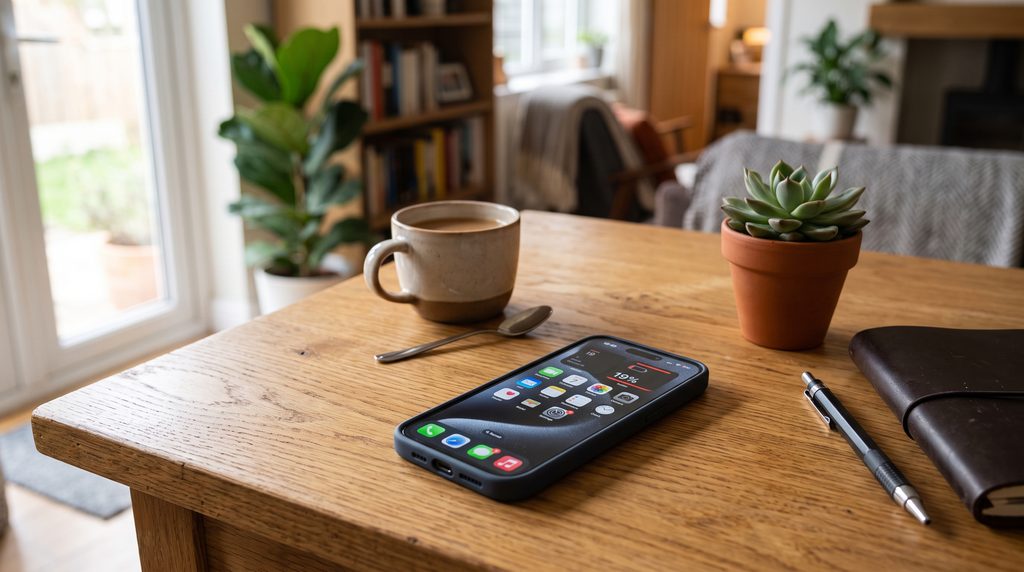
The first thing to investigate is your phone’s battery-usage screen.
Both Android phones and iPhones provide information about which apps have consumed the most power. The exact menus vary between manufacturers and operating-system versions, but the general idea is the same.
If one app is using an unusually large percentage of your battery, investigate it before changing everything else.
A social media app, navigation service, video platform, game, or messaging application may continue performing tasks in the background even when you are not actively using it.
If an app you rarely use appears near the top of your battery-usage list, that is worth investigating.When your phone battery drains fast, checking battery usage can quickly reveal which apps are responsible.
You may be able to restrict its background activity, disable unnecessary permissions, update it, or uninstall it if you no longer need it.
2. Your Screen May Be Consuming More Power Than You Think
The display is one of the biggest power users on many smartphones.
A large, bright screen can consume substantial energy, particularly when you keep the brightness high for long periods.
If your phone battery drains fast, check these display settings:
- Screen brightness
- Screen timeout
- Always-on display
- High refresh rate
- Live wallpapers
- HDR or high-brightness modes
You do not necessarily need to keep the display extremely dim. Instead, consider using automatic brightness and a shorter screen timeout.
If your phone supports a high refresh rate such as 90Hz, 120Hz, or higher, switching to a standard refresh rate may also reduce power consumption in some situations.
The effect varies by device, display technology, and usage pattern, so there is no single setting that works best for every phone.
3. Weak Cellular Signal Can Increase Battery Consumption
This is an easy factor to overlook.
When your phone has a weak cellular signal, it may work harder to maintain communication with the network. If you spend a lot of time in an area with poor reception, battery consumption can increase.
This can happen inside buildings, underground areas, rural locations, elevators, or places where cellular coverage is inconsistent.A phone battery drains fast more easily when it constantly searches for a stronger cellular signal.
You may notice that the battery drops unusually quickly during a day when the signal indicator remains weak for long periods.
If you are in a location with no usable cellular service and do not need connectivity, Airplane Mode can prevent the phone from continuously searching for a network.
However, Airplane Mode is not a universal battery-saving solution. It is most useful when cellular service is unavailable or unnecessary.

4. Location Services Can Keep Your Phone Working
Location features are useful for maps, weather, transportation, fitness, photography, and many other applications.
But not every app needs continuous access to your location.
Review which apps are allowed to use location services and whether they actually need that permission.
For example, a weather app may not need to check your location constantly if you are comfortable selecting a city manually.
Similarly, an application that you rarely use may not need background location access.
Instead of disabling location services completely, a better approach is often to review permissions and give apps only the access they require.
This can reduce unnecessary activity while allowing important location-based features to continue working.
5. Background Activity Can Quietly Use Battery
Your phone does a lot more than what you see on the screen.
Applications can synchronize information, check for updates, process notifications, upload files, refresh feeds, and perform other background tasks.
This is useful because your apps are ready when you open them. However, excessive background activity can contribute to faster battery consumption.
Look through your installed applications and ask whether each one really needs to operate in the background.
If you have applications that you rarely open, consider restricting their background activity.
You should be careful with essential services, messaging apps, alarms, authentication applications, and other software where background activity may be necessary.
The goal is not to stop everything. It is to reduce unnecessary work.
6. Bluetooth, Wi-Fi, and Other Connections Matter
Modern phones are designed to manage wireless connections efficiently, but connectivity can still affect battery life depending on how the device is being used.
Bluetooth accessories, mobile data, Wi-Fi scanning, personal hotspots, and other wireless functions can all contribute to power consumption.
The biggest concern is often not that a single connection suddenly destroys your battery, but that several power-intensive activities are happening at the same time.
For example, streaming music through Bluetooth while using mobile data, high screen brightness, and navigation can create a much heavier workload than simply checking a few messages.
If you are not using a feature, turning it off can help, although constantly switching settings manually is not necessary for most users.
7. Your Battery May Simply Be Getting Older
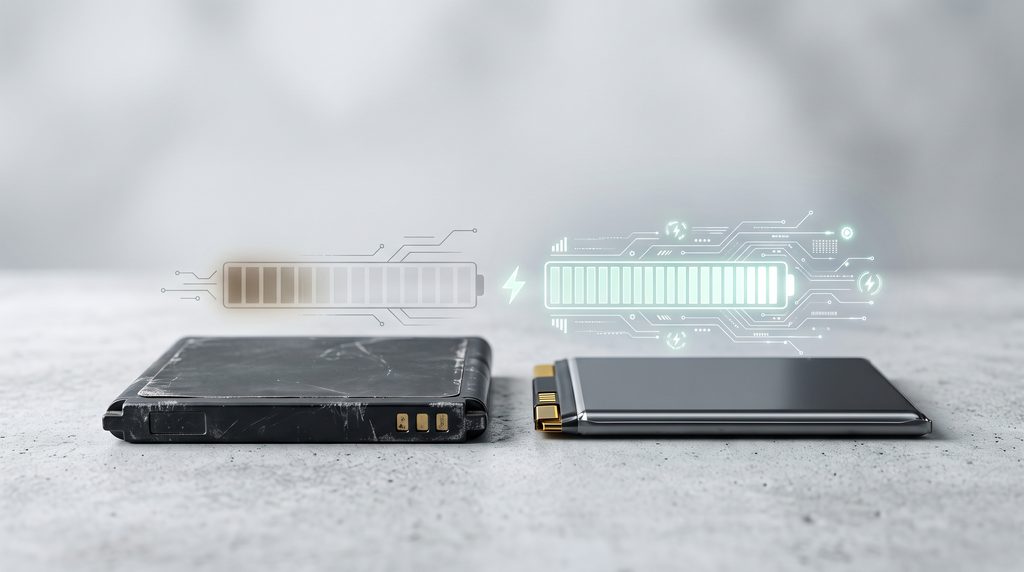
Sometimes the problem is not an app or setting.Apple explains that rechargeable batteries naturally lose capacity as they chemically age, which can reduce the amount of time a device lasts between charges.
It is the battery itself.
Lithium-ion and lithium-polymer batteries naturally lose capacity as they age. After many charging cycles and months or years of use, the battery may no longer hold as much energy as it did when the phone was new.
This means a phone that once lasted an entire day may eventually require a recharge much earlier.
Many modern smartphones provide battery-health information or service recommendations.
If your phone reports significantly reduced battery capacity, software changes may not completely solve the problem.
In that situation, replacing the battery may make more sense than replacing the entire phone.
8. Extreme Temperatures Can Affect Battery Performance
Temperature can also influence smartphone battery behavior.
Very high temperatures can put additional stress on the battery, while very cold conditions can temporarily reduce available battery performance.
Leaving a phone in direct sunlight, inside a hot vehicle, or under other extreme conditions is therefore not a good habit.
If your device becomes unusually hot during charging or heavy use, allow it to cool naturally.
Avoid covering a phone with thick materials while it is performing demanding tasks or charging, particularly if heat is already building up.
If a device repeatedly becomes extremely hot without an obvious reason, that is worth investigating rather than simply accepting it as normal.
9. Software Problems Can Cause Unexpected Drain
A software update does not automatically mean better battery life in every situation.
Sometimes an operating-system update can temporarily increase background activity while the device completes indexing, synchronization, or other maintenance tasks.
Likewise, a buggy application or software process can cause unusual battery consumption.
If your phone battery drains fast shortly after installing a particular app or update, check whether the timing matches the problem.
Restarting the device can sometimes resolve temporary background processes.
You should also keep important apps and your operating system reasonably up to date because updates can include performance improvements and bug fixes.
If the problem continues, reviewing battery usage can help identify whether a particular application or system process is responsible.
How to Find the Real Cause of Battery Drain
Instead of changing every setting at once, troubleshoot the problem systematically.If you want to learn more about how smartphone battery technology is evolving, check out our guide to mobile technology trends in 2026.
Start by checking battery usage. Identify the applications and system features consuming the most power.
Then look at your screen settings, background activity, location permissions, and network conditions.If your phone battery drains fast, start by checking battery usage, screen time, signal strength, and battery health.
After making one or two changes, use the phone normally for a day and compare the results.If your phone battery drains fast, compare your battery usage before changing several settings at once.
This approach is better than turning off every feature because you can determine what actually made a difference.
For example, if reducing screen brightness changes your daily battery life significantly, you have identified one important factor. If it makes almost no difference, you can move on to other causes.
Should You Use Battery Saver Mode All the Time?
Battery Saver or Low Power Mode can be useful when you need your phone to last longer.
Depending on the device, these modes may reduce background activity, limit certain visual effects, adjust performance, or delay some synchronization tasks.
However, there is usually no reason to keep an aggressive battery-saving mode enabled permanently unless you specifically prefer the trade-offs.
If your battery is healthy, normal power management may provide a better balance between performance, notifications, and battery life.
Battery Saver is particularly useful when you are traveling, away from a charger, or expecting a long period without access to power.
When Battery Drain May Indicate a Bigger Problem
Some battery behavior is normal.
For example, heavy gaming, high-resolution video recording, navigation, mobile hotspot use, and demanding applications can consume significant power.
But unusual behavior deserves more attention.
Consider investigating further if:
- Battery percentage falls rapidly while the phone is idle.
- The device becomes unusually hot without heavy use.
- One application suddenly consumes an extreme amount of power.
- Battery life changed dramatically after a software or app update.
- The phone shuts down while showing significant remaining battery.
- The battery appears swollen or physically damaged.
A swollen or damaged battery should not be ignored. Stop using the device and seek professional service rather than attempting to open or repair the battery yourself.
Final Thoughts
If your phone battery drains fast, replacing the phone should not necessarily be your first solution.When your phone battery drains fast, the cause is often related to everyday settings, apps, connectivity, or battery age.
Start with the basics: check battery usage, review screen settings, investigate background apps, look at network conditions, and examine the health of the battery itself.
Some causes are easy to fix, while others are simply the result of an aging battery or demanding smartphone usage. In most cases, figuring out why your phone battery drains fast starts with checking apps, screen settings, signal strength, battery health, and software.
The most useful approach is to identify the actual source instead of disabling every feature on the device. A few targeted changes can often improve everyday battery life without making your phone inconvenient to use.
As smartphones continue to become more powerful, displays become brighter, and mobile networks become faster, battery management will remain an important part of the everyday smartphone experience.